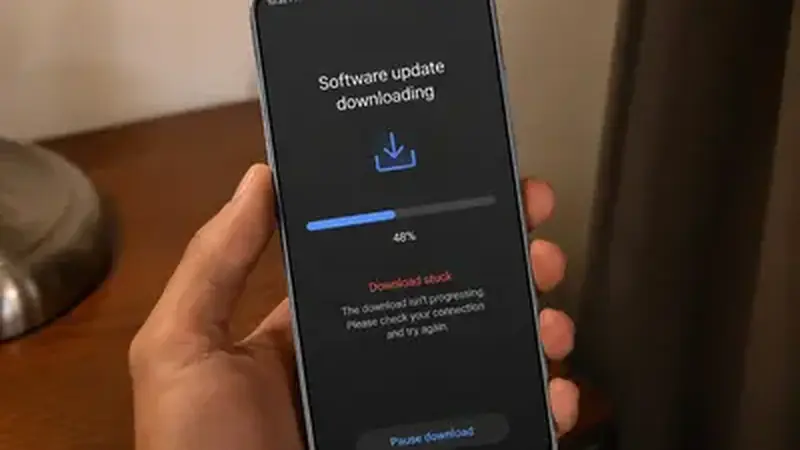
If the APK itself will not download
First, check free space: the file is 478.6 MB and Android wants about 1 GB free to work comfortably. Second, check the browser: if it paused the download, resume it rather than restarting, or the file restarts from zero. Third, switch networks: some networks throttle large files, and the download page on Wi-Fi is the reliable path. A file that is not exactly 478.6 MB is incomplete and will not install; re-download it whole.
If videos will not save
When the APK is fine but video downloads fail inside TikTok Mod Cloud update, work through this list: the video may be private or have downloads disabled by the creator (nothing to fix), the phone may be out of storage (check), or the app's storage permission may be off (next section). Force-stopping the app and clearing cache once also clears stuck download queues.
The permission check
Go to Settings, Apps, this app, Permissions, and confirm Photos and videos (storage) is allowed. Without it, downloads silently fail on newer Android versions. While you are there, the permissions guide explains every other permission too. If installs are the problem rather than downloads, the not-installing fixes take over from here.