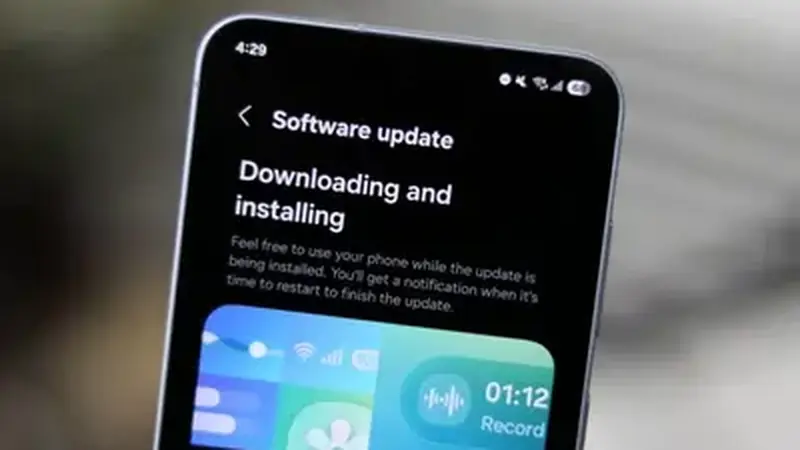
How updating works
Because the mod is signed by the modder and not the Play Store, updates never arrive automatically. You update by downloading the newest build from TikTok Mod Cloud latest build and installing it over the old one. Your account, follows, likes, and DMs live on TikTok's servers and survive the update untouched.
Step by step
Download the new APK from the download page and open it. Android will offer to update the existing app rather than install fresh; confirm. Do not uninstall first unless the installer tells you to, because uninstalling wipes on-device drafts. Open the app, sign in if asked, and spot-check the watermark-free download and your feed. The whole thing takes about three minutes on Wi-Fi.
When you should update
Update when the homepage notes a newer base client, when a feature you use breaks (usually the downloader), or when TikTok forces a minimum version and the old build starts nagging. Fresh builds also carry the newest security fixes from the base app, which is reason enough on its own.
When you should wait
If the current build does everything you need and your phone is older, there is no prize for updating on day one. Let others find the rough edges first, then update a week later. The old versions guide explains how to roll back if a new build ever misbehaves on your device.