Duet vs stitch in thirty seconds
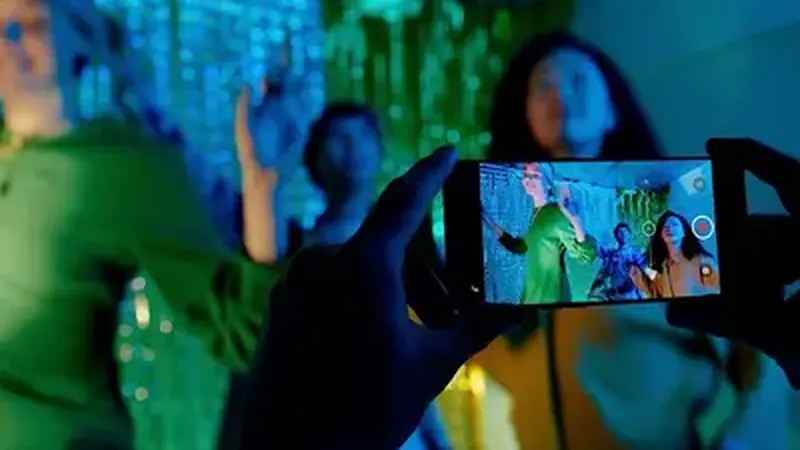
Duet puts your video side by side with the original, playing together: reactions, harmonies, split-screen dances. Stitch lets you clip up to a few seconds of someone's video and then continue it with your own: answers, corrections, story continuations. Both are built into the mod exactly as in the stock app, and both credit the original creator automatically.
How to duet a video
Open the video, tap Share, then Duet. Record your side with the layout options (left-right, top-bottom, react) and post. Layout and recording tools in TikTok Mod Cloud mod are identical to stock, so any duet tutorial applies directly.
How to stitch a video
Tap Share, then Stitch, trim the segment you want (a few seconds), and record your continuation. Stitches are the format for answering questions, fact-checking claims, and continuing stories, and they tend to travel because the original audience gets notified.
When the buttons are missing
Duet and stitch are per-video permissions set by the creator. If the buttons are gone, the creator disabled them, or the account is private: the mod does not override that, and it should not. Find another clip or ask. Creators building a workflow around the mod should read the creators guide, and if you have not installed yet, start at the homepage.