
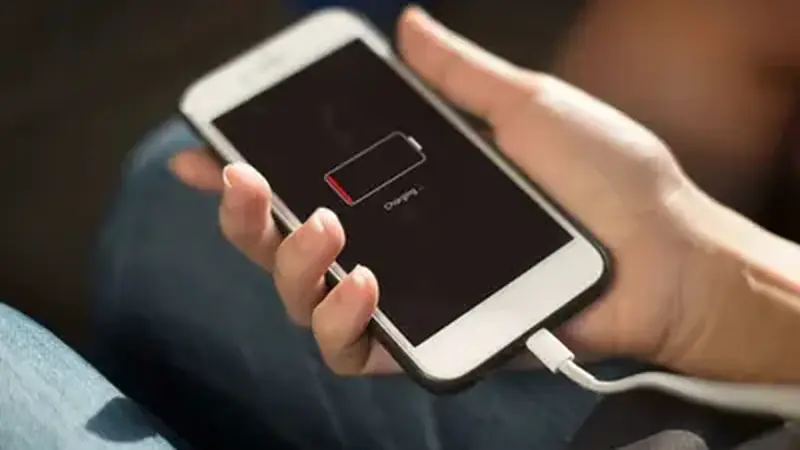
Why video apps eat battery
TikTok is one of the hungriest apps on any phone: constant video decoding, a bright screen, and background prefetching. TikTok Mod Cloud mobile app is no exception, since it runs the same engine. If the app sits at the top of your battery stats, that is normal for heavy use, but the settings below cut the waste without cutting the fun.
Tame the background
Most drain happens when you are not watching. Turn off background data for the app if you do not need notifications instantly, and disable auto-download of any kind on mobile data. On Samsung and Xiaomi phones, the built-in device care likes to kill TikTok aggressively, which ironically causes crash loops that drain more. Either let it run or restrict it cleanly; the middle ground is the worst option.
Tame the foreground
Lower screen brightness one notch while scrolling; the screen is the biggest single drain. Download videos on Wi-Fi in batches instead of one at a time on mobile data, since the radio staying awake is expensive. And close the app with the back button rather than leaving it idling on the feed. If the phone runs hot during long sessions, that is the video decoder working, not a mod problem. Grab the current build if yours is old: newer base clients decode more efficiently.