
What the cache actually is
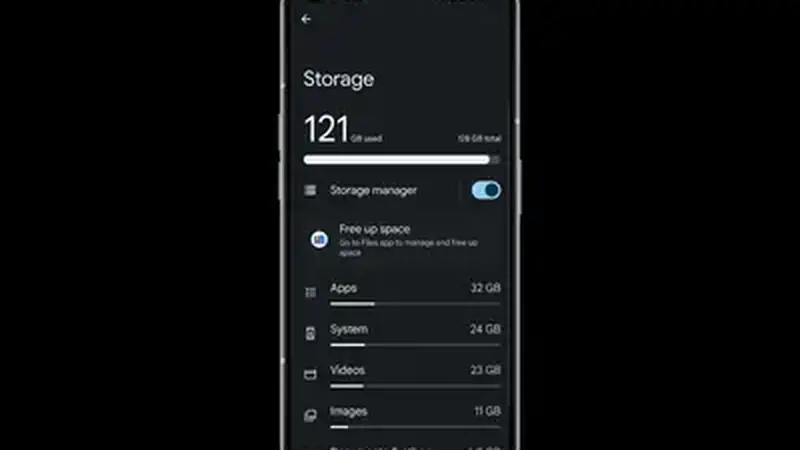
The cache is TikTok's scratch space: video thumbnails, feed previews, and temporary files the app keeps so scrolling feels instant. On heavy accounts it can swell past a gigabyte. Clearing it deletes only these temporary files. Your account, follows, likes, and DMs are untouched.
Cache vs data: the critical difference
Android shows two buttons side by side and they do very different things. Clear cache removes temporary files and keeps you signed in. Clear data resets the app completely: signed out, settings gone, on-device drafts deleted. When any guide, including this one, says clear cache, it means the first button. Treat the second one like a factory reset for the app.
When clearing cache fixes things
Clear cache when TikTok Mod Cloud free download crashes on open, when the feed shows the same videos on loop, when login spins forever, or when region-unlocked clips refuse to refresh. The steps: open Settings, Apps, find this app, Storage, Clear cache, then reopen. It takes twenty seconds and resolves a surprising share of the crash reports and login issues we see.